How do I sign in to TrackMyExpense?
You can sign in securely using Google Sign-In or Apple Sign-In for quick and hassle-free access.
Can I access my expenses on multiple devices?
Yes! Your data is synced to the server, allowing you to access it from anywhere across multiple devices.
Will I see ads in the app?
No. There won't be any ads in the app. We believe in providing a seamless experience without interruptions.
Is TrackMyExpense free to use?
Yes! TrackMyExpense offers a generous free plan with core expense tracking features. For power users who need unlimited AI queries, multiple accounts, and advanced features, we offer a Pro plan at $1.99/month or $19.99/year. No hidden charges, cancel anytime.
How does the AI Financial Assistant work?
Our AI assistant uses natural language processing to understand your questions about spending habits and financial patterns. Simply ask questions like "How much did I spend on food last month?" and get instant, personalized insights. Free users get 5 queries per day, Pro users get unlimited access.
Can I scan receipts with my phone?
Yes! Our smart receipt scanner uses OCR technology to automatically extract details from your receipts. Just snap a photo and the AI will capture the amount, date, merchant, and suggest a category. Free users get 5 scans per month, Pro users get 50 scans per day.
Does it work offline?
Absolutely! TrackMyExpense is built offline-first, meaning you can track expenses, view reports, and manage your finances without an internet connection. All data automatically syncs to the cloud when you're back online.
Can I track expenses in multiple currencies?
Yes! We support 150+ currencies with proper formatting for each region. You can set your preferred currency for each account, making it perfect for travelers, expats, and international users.
Is my financial data secure?
Security is our top priority. All data is encrypted both in transit and at rest. We use Firebase Authentication with industry-standard security protocols. Your financial data is private and only accessible by you.
Can I export my expense reports?
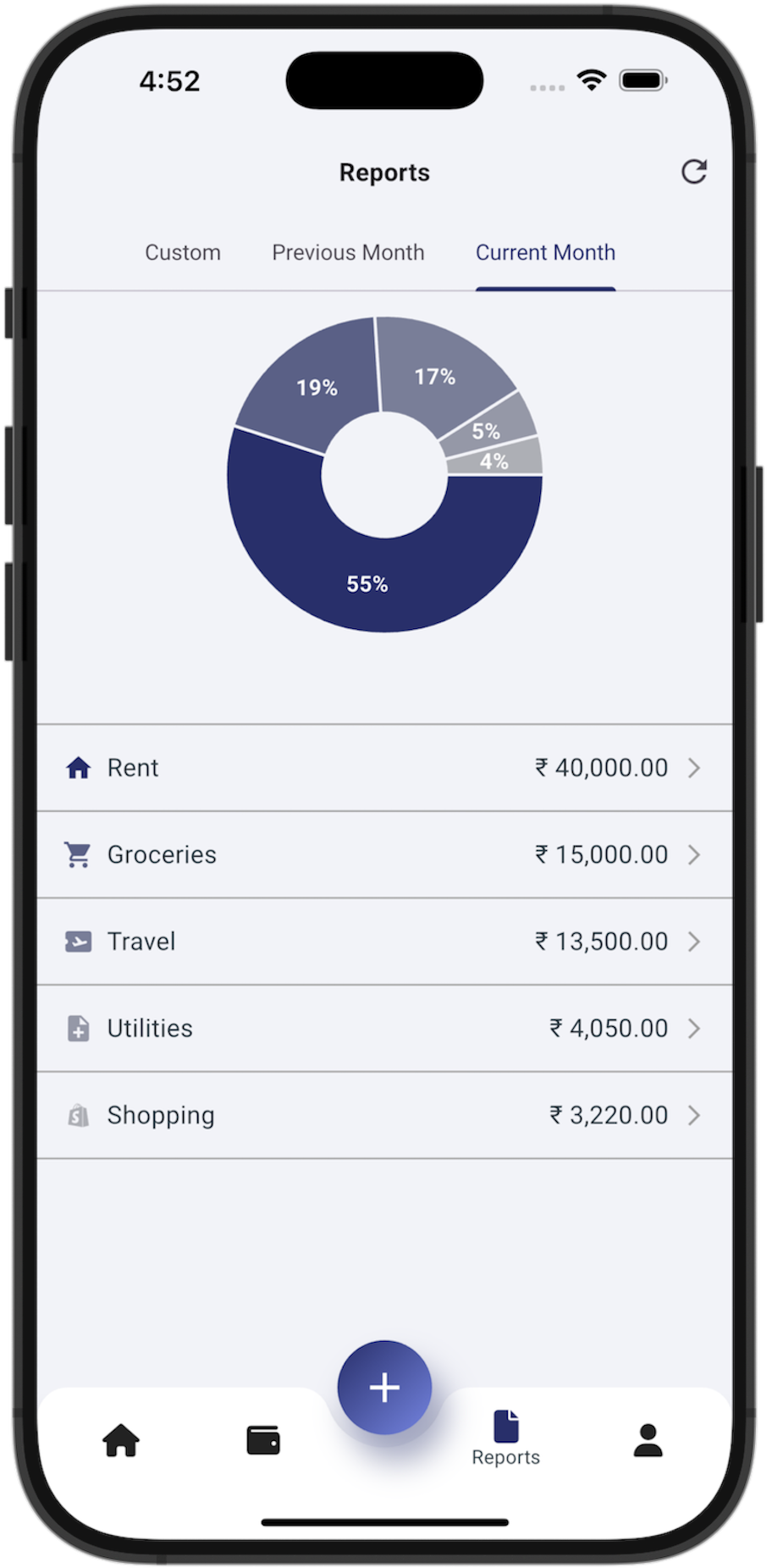
Yes! Free users can export monthly reports, while Pro users can export reports for any time period. We support PDF, Excel, and CSV formats with comprehensive analytics including category breakdowns, payment mode analysis, and transaction details.
What languages are supported?
TrackMyExpense supports 20+ languages including English, Spanish, French, German, Portuguese, Russian, Japanese, Korean, Chinese, Arabic, Hindi, and many more. The app automatically detects your device language and includes RTL support for Arabic and Hebrew.
How does the AI Expense Predictor work?
The AI Expense Predictor (Pro) analyses your last 12 months of spending history per account and forecasts your likely month-end total. Results are cached per account for instant loading, and updated in the background so the dashboard always feels snappy.
Can I set a monthly budget and get alerts?
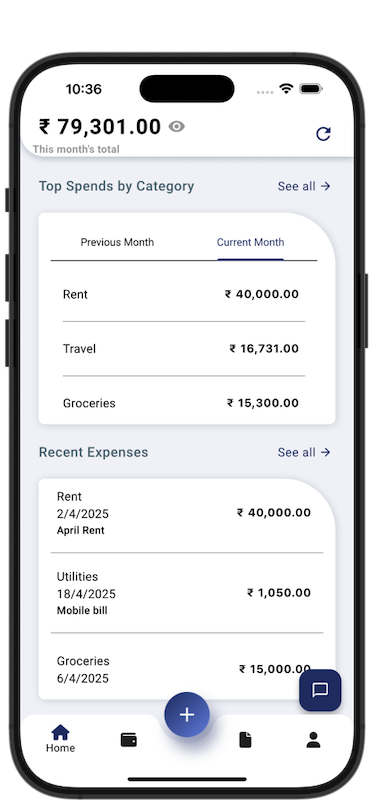
Yes! You can set a monthly budget for each account. The home dashboard shows a colour-coded progress bar — green when on track, orange as you approach the limit, and red once you exceed it — so you always know where you stand at a glance.
How does recurring expense automation work?
Set up any recurring expense (subscriptions, rent, utilities) once and TrackMyExpense automatically logs it on schedule across all your accounts every time you open the app. You'll also receive configurable reminder notifications. Free users can have 1 active recurring expense; Pro users get unlimited.
What is Calculator Mode?
Calculator Mode (Pro) lets you type arithmetic expressions — like 45+12.5 or (120/3)*2 — directly in the amount field when adding an expense. The result is evaluated automatically, so you can split bills, add tips, or tally totals without leaving the screen.
Does the app have a home screen widget?
Yes! TrackMyExpense includes a home screen widget for both iOS and Android that shows your current spending summary at a glance — no need to open the app. Data is kept up to date in the background automatically.